Mastering the Linux Command Line: How to Navigate Documentation for Engineering Software
This article provides an in-depth exploration of Engineering software, covering foundational concepts, practical applications, and engineering insights.
Stepping into the world of Linux can feel like entering a vast, uncharted territory. Whether you are a student pursuing the Linux Foundation Certified IT Associate (LFCA) certification or a professional managing complex engineering software on a server, knowing how to find answers quickly is the most valuable skill you can possess.
In the Linux environment, you are never truly alone. The system comes equipped with robust, built-in documentation tools designed to help you understand every command and utility at your disposal. Here are the three essential ways to get help directly from the terminal.
1. The Manual Pages (man)
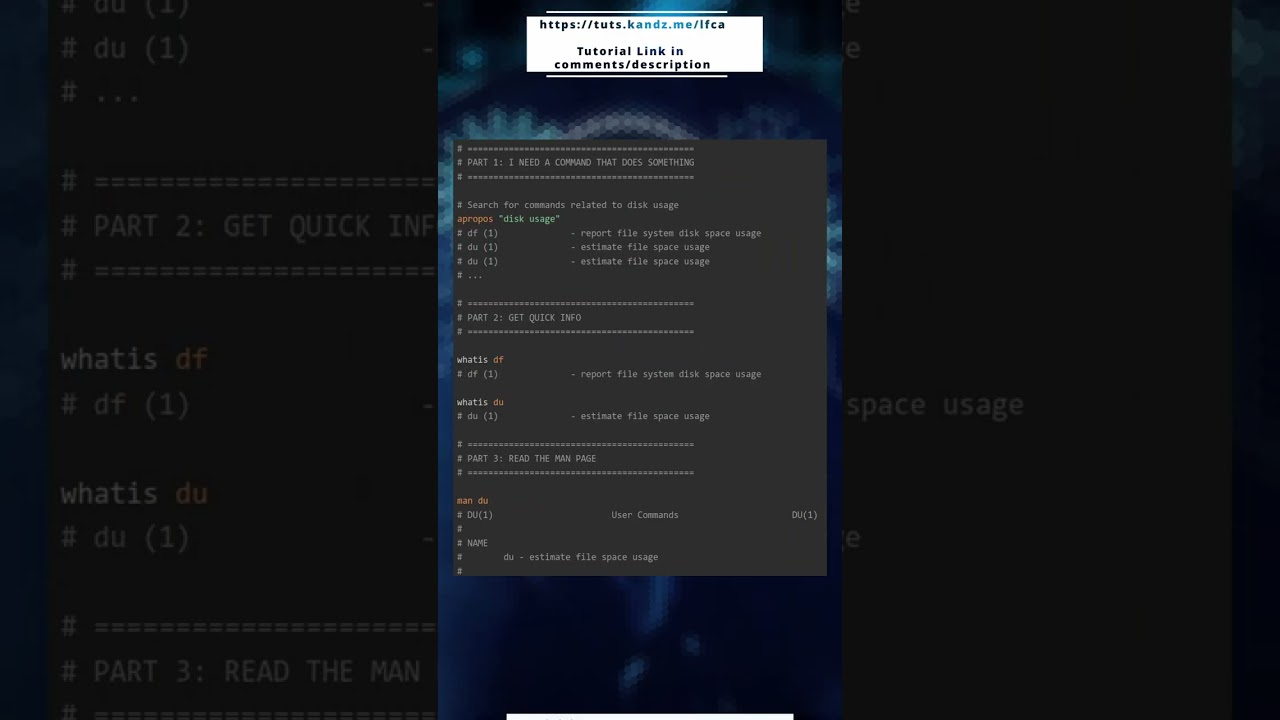
The man command is the gold standard for Linux documentation. By typing man followed by a command name, you gain access to an extensive manual that covers everything from syntax and arguments to environment variables. For instance, if you are configuring the environment for your engineering software, using the manual pages ensures you are applying the correct flags and permissions. It is a comprehensive resource that provides the "what" and the "how" of almost every program installed on your system.
2. The Quick Help Flag (--help)
Sometimes, you don't need a full manual; you just need a quick reminder of a specific switch or option. Most modern Linux utilities support the --help flag. This is an internal function of the program itself that prints a concise summary of usage instructions directly to your screen. This is particularly useful when you are in the middle of a deployment and need a high-speed reference to ensure your engineering software is being executed with the right parameters.
3. The Info Command (info)
For those who find the standard manual pages a bit too dense or linear, the info command offers a more structured alternative. Developed by the GNU Project, info pages are designed as a hypertext-like system. They provide deeper technical details and are organized into nodes and links, making it easier to navigate through complex topics that require more than just a single page of explanation.
Conclusion
Becoming proficient in Linux isn’t about memorizing every single command; it’s about knowing where to look when you get stuck. By mastering man, --help, and info, you empower yourself to troubleshoot effectively and optimize your workflow. Whether you are a beginner or an expert, these tools are your first line of defense in maintaining a stable and efficient computing environment.


